👉November Answers and Trivia
👉October Answers and Trivia
👉September Answers and Trivia
👉August Answers and Trivia
👉July Answers and Trivia
👉Jun Answers and Trivia
👉May Answers and Trivia
👉April Answers and Trivia
👉March Answers and Trivia
👉February Answers and Trivia
👉January Answers and Trivia
XENEA Wallet features a Daily Quiz that enhances user engagement while offering a fun and gamified way to learn about Web3 and the Xenea ecosystem.
Although many kind individuals are sharing answers on X (formerly Twitter), it feels like the quiz is turning into a game of simply picking the right answer without understanding the questions. To address this, this article will provide not only the answers to XENEA Wallet’s Daily Quiz but also the reasoning behind them and additional insights. By leveraging XENEA Wallet NAVI (ChatGPT), we aim to make the experience more informative and meaningful.
It takes less than a minute, so bookmark this page and check back daily! 😊
Start Your Journey with XENEA Wallet Today!
XENEA Wallet is an innovative app that makes exploring the world of Web3 both fun and rewarding! Complete simple missions, claim daily bonuses, and earn rewards while learning about the future of digital technology.
With cutting-edge security and unparalleled convenience, XENEA Wallet offers you the chance to participate in future airdrops and mining opportunities. Simply download the app to begin your new digital experience!
New users can start with 1,000 gems by signing up with the invite code below!
1️⃣ Download the app
2️⃣ Enter the invite code: h3dYzHejPI
3️⃣ Sign up with your Google or Apple account
Enjoy the exciting world of XENEA Wallet!
Please refer to the following page for information on how to earn Gems.
How many days does it take to earn 10,000 gems and start automatic mining with the XENEA Wallet?
Daily Quiz on December 31
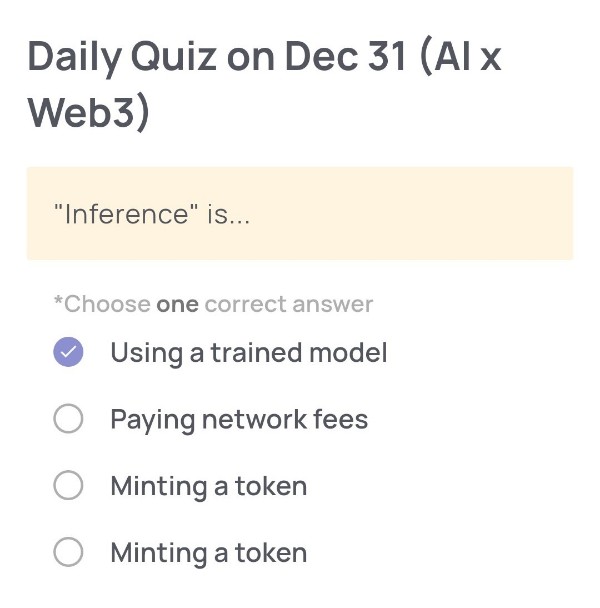
(AI x Web3)
🟢Quiz Questions:
“Inference” is…
🟢Choose one correct answer:
・Using a trained model
・Paying network fees
・Minting a token
・Minting a token
🟢Answer:
Using a trained model
🟢Reason for choosing this answer:
In AI terminology, “Inference” refers to the process of using an already trained machine learning model to make predictions, classifications, or generate outputs based on new input data. It does not involve training the model, blockchain transactions, or token-related activities, which makes “Using a trained model” the correct choice.
🟢Trivia:
In practical AI systems, inference is often optimized separately from training. For example, models may be trained on powerful GPUs or TPUs in data centers, but inference can be executed on edge devices like smartphones or IoT hardware. This is why techniques such as model quantization and pruning are widely used—to make inference faster and more energy-efficient.
Daily Quiz on December 30
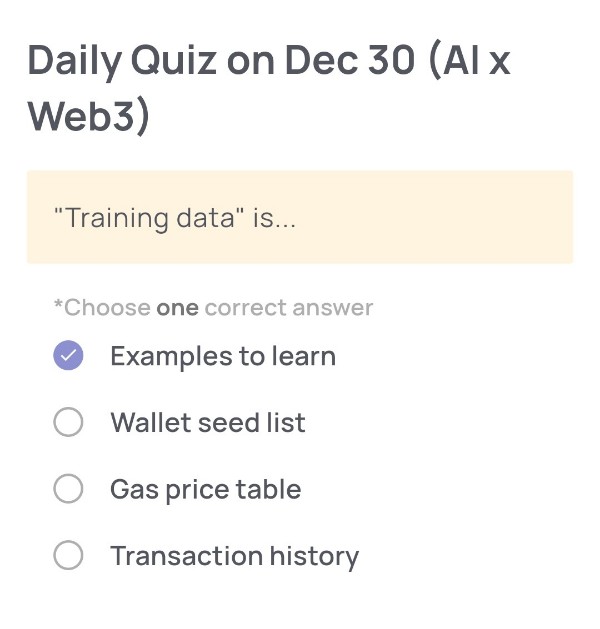
(AI x Web3)
🟢Quiz Questions:
“Training data” is…
🟢Choose one correct answer:
・Examples to learn
・Wallet seed list
・Gas price table
・Transaction history
🟢Answer:
Examples to learn
🟢Reason for choosing this answer:
In the field of AI, “training data” refers to data that is used to teach a machine learning model how to make predictions or decisions. These are typically labeled examples that help the model recognize patterns and relationships. The model “learns” from these examples by adjusting its internal parameters during the training process. Other options like “wallet seed list” or “gas price table” are related to blockchain or crypto, not AI learning.
🟢Trivia:
Training data is essential for building any AI model, from image recognition to natural language processing. For example, ChatGPT was trained on large-scale datasets that include books, websites, and human dialogue, allowing it to understand and generate human-like responses. The quality and diversity of the training data significantly impact the accuracy and bias of the resulting AI model.
Daily Quiz on December 29
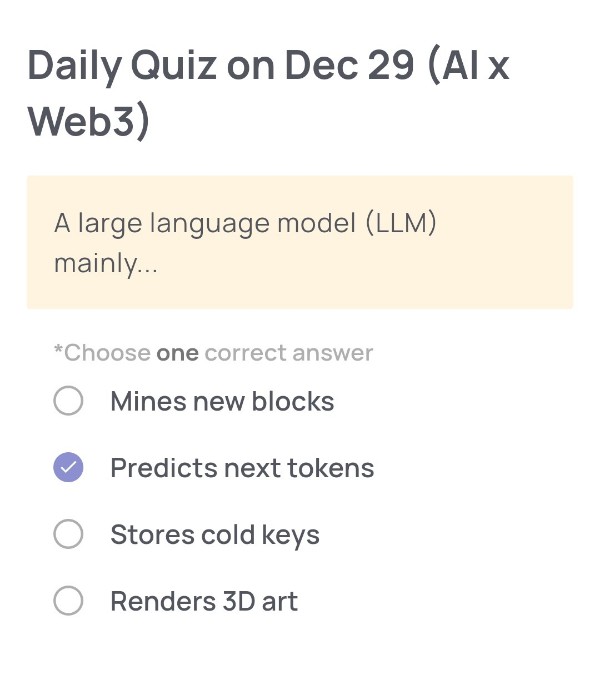
(AI x Web3)
🟢Quiz Questions:
A large language model (LLM) mainly…
🟢Choose one correct answer:
・Mines new blocks
・Predicts next tokens
・Stores cold keys
・Renders 3D art
🟢Answer:
Predicts next tokens
🟢Reason for choosing this answer:
A large language model (LLM) is designed to generate text by predicting the next token (word or symbol) based on the context of previous tokens.
It does not mine blockchain blocks, store cryptographic keys, or directly render 3D art. Its core mechanism is statistical prediction learned from massive datasets.
🟢Trivia:
LLMs do not “understand” language the way humans do. Instead, they calculate probabilities for what token is most likely to come next.
Interestingly, this simple principle—repeated billions of times across huge neural networks—allows LLMs to perform tasks such as translation, summarization, coding, and reasoning, making them a foundational technology in the AI × Web3 era.
Daily Quiz on December 28
(AI x Web3)
🟢Quiz Questions:
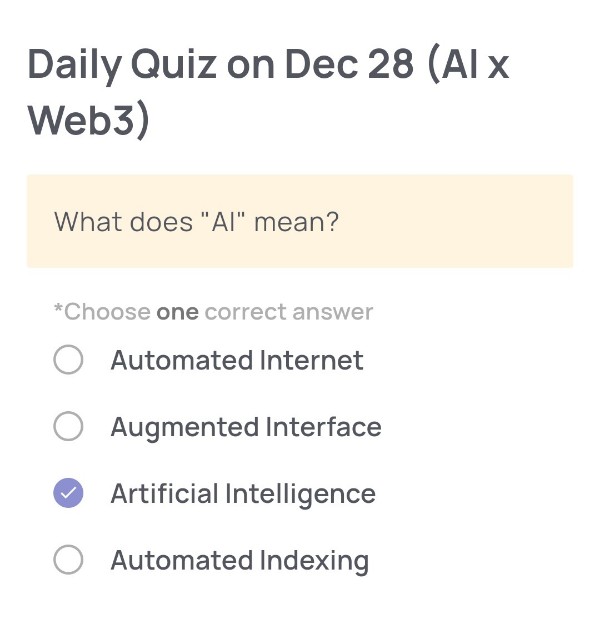
What does “AI” mean?
🟢Choose one correct answer:
・Automated Internet
・Augmented Interface
・Artificial Intelligence
・Automated Indexing
🟢Answer:
Artificial Intelligence
🟢Reason for choosing this answer:
The abbreviation “AI” is universally used to stand for Artificial Intelligence, which refers to computer systems designed to perform tasks that normally require human intelligence, such as learning, reasoning, problem-solving, and pattern recognition. The other options do not match the established and widely accepted definition of “AI” in computer science and technology fields.
🟢Trivia:
The term Artificial Intelligence was first coined in 1956 at the Dartmouth Conference, a landmark event where researchers proposed that aspects of learning and intelligence could be described so precisely that a machine could be made to simulate them. Today, AI is a core technology behind services like voice assistants, recommendation systems, image recognition, and autonomous driving.
Daily Quiz on December 27
(Major Cryptocurrencies)
🟢Quiz Questions:
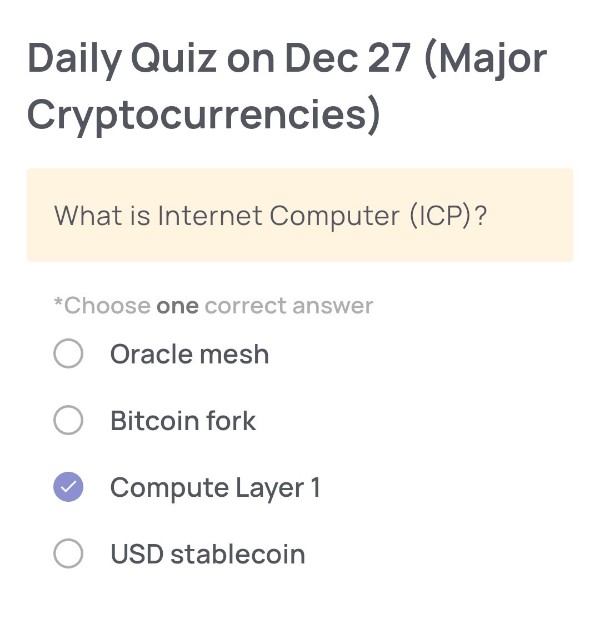
What is Internet Computer (ICP)?
🟢Choose one correct answer:
・Oracle mesh
・Bitcoin fork
・Compute Layer 1
・USD stablecoin
🟢Answer:
Compute Layer 1
🟢Reason for choosing this answer:
Internet Computer (ICP) is designed as a Layer 1 blockchain that provides decentralized computing capabilities. Unlike blockchains that mainly focus on transactions or payments, ICP allows developers to build and run smart contracts and full-scale applications directly on the blockchain, functioning as a “compute layer” for the internet.
🟢Trivia:
Internet Computer was developed by the DFINITY Foundation and aims to reimagine the internet by hosting web services, DeFi apps, and even traditional web applications fully on-chain. One unique feature is that users can interact with dApps directly through a web browser without needing traditional cloud infrastructure or centralized servers.
Daily Quiz on December 26
(Major Cryptocurrencies)
🟢Quiz Questions:
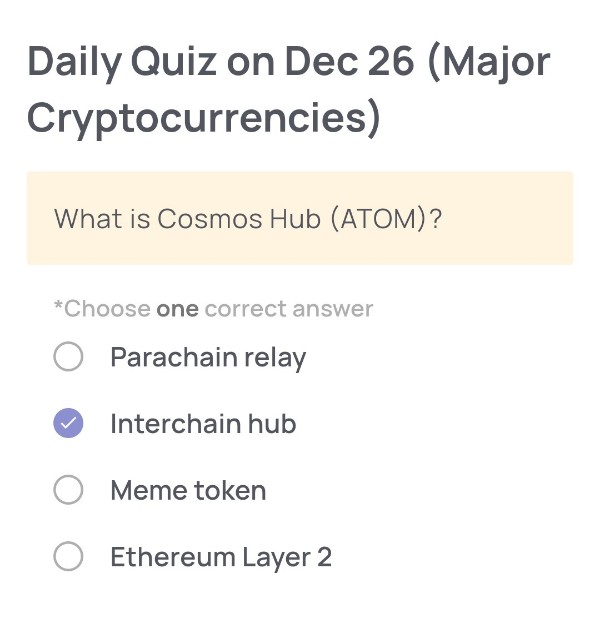
What is Cosmos Hub (ATOM)?
🟢Choose one correct answer:
・Parachain relay
・Interchain hub
・Meme token
・Ethereum Layer 2
🟢Answer:
Interchain hub
🟢Reason for choosing this answer:
Cosmos Hub (ATOM) is designed as the central blockchain within the Cosmos ecosystem that connects multiple independent blockchains. It enables interoperability through the Inter-Blockchain Communication (IBC) protocol, allowing different blockchains to transfer tokens and data with each other securely. Therefore, its correct classification is an “Interchain hub,” not a relay chain, meme token, or Ethereum Layer 2 solution.
🟢Trivia:
Cosmos is often described as the Internet of Blockchains. One interesting fact is that blockchains built using the Cosmos SDK can customize their own governance rules and consensus mechanisms while still remaining interoperable with other chains via Cosmos Hub. This flexibility is a major reason why many projects choose to build within the Cosmos ecosystem.
Daily Quiz on December 25
(Major Cryptocurrencies)
🟢Quiz Questions:
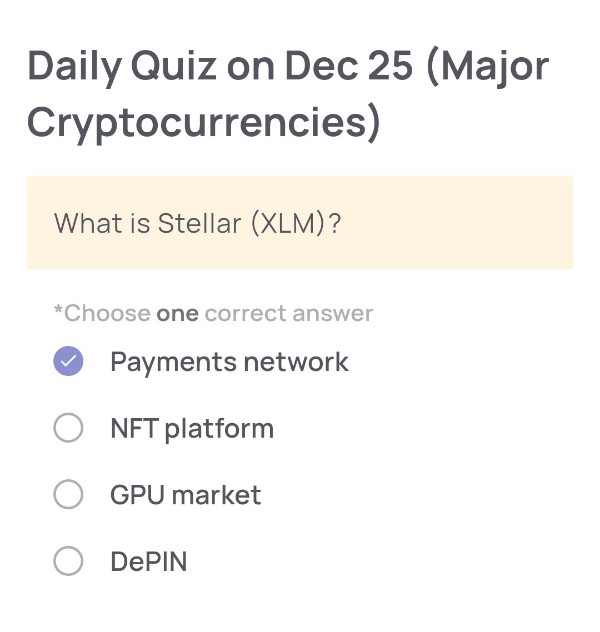
What is Stellar (XLM)?
🟢Choose one correct answer:
・Payments network
・NFT platform
・GPU market
・DePIN
🟢Answer:
Payments network
🟢Reason for choosing this answer:
Stellar (XLM) is designed as a payments network that enables fast, low-cost cross-border money transfers. Its primary goal is to connect financial institutions, payment systems, and individuals so that value can move globally with minimal fees and near-instant settlement. This makes it fundamentally different from NFT platforms, GPU markets, or DePIN-focused projects.
🟢Trivia:
Stellar was co-founded by Jed McCaleb, who also co-founded Ripple. One unique feature of Stellar is its built-in decentralized exchange (DEX), which allows users to directly swap assets on the network without relying on centralized exchanges. This design helps improve liquidity and accessibility, especially in emerging markets.
Daily Quiz on December 24
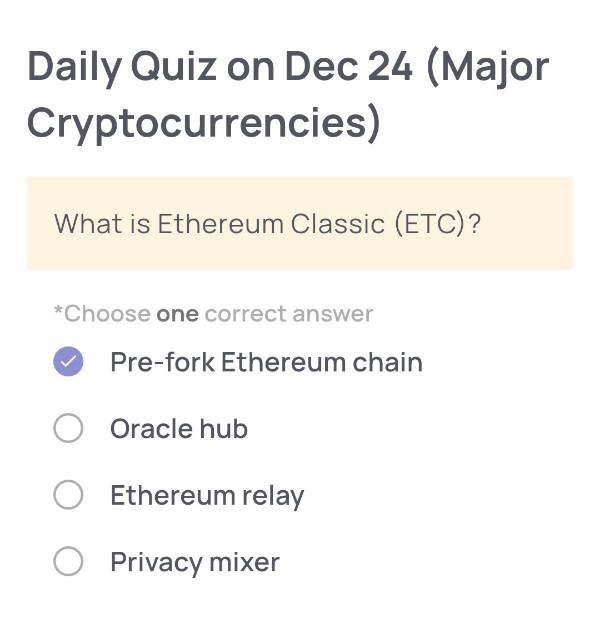
(Major Cryptocurrencies)
🟢Quiz Questions:
What is Ethereum Classic (ETC)?
🟢Choose one correct answer:
・Pre-fork Ethereum chain
・Oracle hub
・Ethereum relay
・Privacy mixer
🟢Answer:
Pre-fork Ethereum chain
🟢Reason for choosing this answer:
Ethereum Classic (ETC) is the original Ethereum blockchain that continued without changes after the DAO hack in 2016. When the Ethereum community decided to perform a hard fork to reverse the effects of the hack, a portion of the community rejected this decision and kept the original chain alive. This unchanged chain is what we now call Ethereum Classic, making it the pre-fork Ethereum chain.
🟢Trivia:
Ethereum Classic is well known for its strong commitment to the principle of “Code is Law,” meaning that blockchain transactions should be immutable and not altered by human intervention. This philosophical stance is the key reason why Ethereum Classic exists separately from Ethereum (ETH), which chose a different path after the DAO incident.
Daily Quiz on December 23
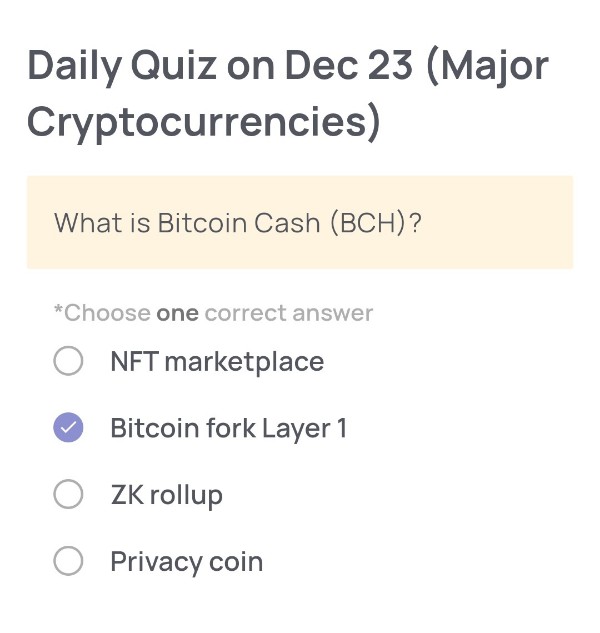
(Major Cryptocurrencies)
🟢Quiz Questions:
What is Bitcoin Cash (BCH)?
🟢Choose one correct answer:
・NFT marketplace
・Bitcoin fork Layer 1
・ZK rollup
・Privacy coin
🟢Answer:
Bitcoin fork Layer 1
🟢Reason for choosing this answer:
Bitcoin Cash (BCH) was created in 2017 as a hard fork of Bitcoin. The main reason for the fork was a disagreement within the Bitcoin community about how to scale the network. Bitcoin Cash increased the block size limit, allowing more transactions per block and aiming for faster and cheaper payments. Because it runs on its own independent blockchain, it is classified as a Layer 1 blockchain, not a Layer 2 solution or application.
🟢Trivia:
Bitcoin Cash was designed with the goal of being “peer-to-peer electronic cash,” which was emphasized in Bitcoin’s original whitepaper. While Bitcoin has increasingly been viewed as a store of value (often called “digital gold”), Bitcoin Cash has focused more on everyday payments, such as buying goods and services with low transaction fees.
Daily Quiz on December 22
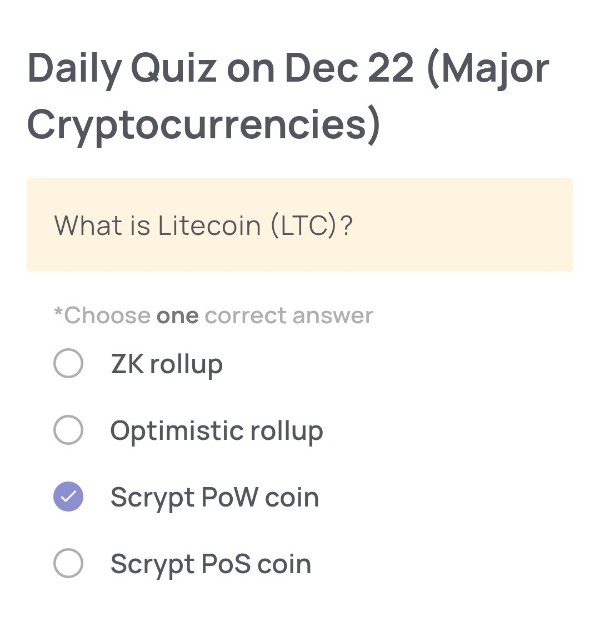
(Major Cryptocurrencies)
🟢Quiz Questions:
What is Litecoin (LTC)?
🟢Choose one correct answer:
・ZK rollup
・Optimistic rollup
・Scrypt PoW coin
・Scrypt PoS coin
🟢Answer:
Scrypt PoW coin
🟢Reason for choosing this answer:
Litecoin (LTC) is a Proof of Work (PoW) cryptocurrency that uses the Scrypt hashing algorithm. Unlike ZK rollups or Optimistic rollups, which are Layer 2 scaling solutions, Litecoin is a Layer 1 blockchain. It also does not use Proof of Stake (PoS); instead, miners validate transactions and secure the network using Scrypt-based PoW.
🟢Trivia:
Litecoin was created in 2011 by Charlie Lee as a “lighter” version of Bitcoin. By using the Scrypt algorithm instead of Bitcoin’s SHA-256, Litecoin aimed to make mining more accessible to everyday users and enable faster block generation times—about 2.5 minutes per block, compared to Bitcoin’s 10 minutes.
Daily Quiz on December 21
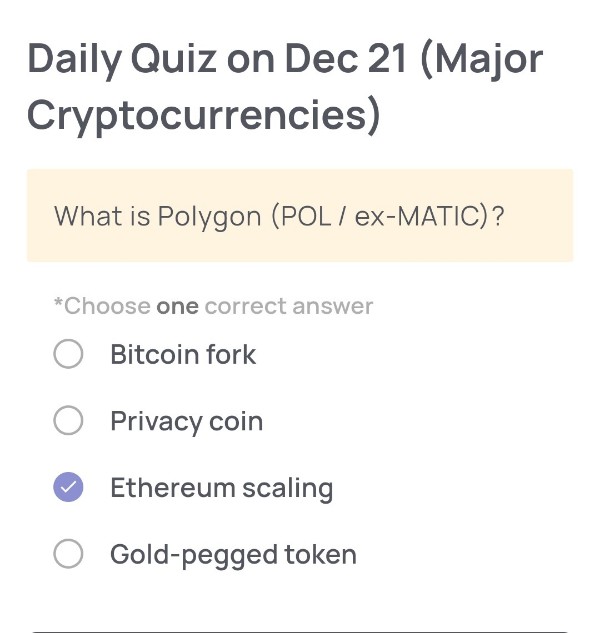
(Major Cryptocurrencies)
🟢Quiz Questions:
What is Polygon (POL / ex-MATIC)?
🟢Choose one correct answer:
・Bitcoin fork
・Privacy coin
・Ethereum scaling
・Gold-pegged token
🟢Answer:
Ethereum scaling
🟢Reason for choosing this answer:
Polygon (formerly known as MATIC) is a blockchain platform designed to improve Ethereum’s scalability. It helps Ethereum handle more transactions faster and at lower costs by using Layer 2 scaling solutions and sidechains, while still benefiting from Ethereum’s security and ecosystem. Therefore, it is best described as an Ethereum scaling solution rather than a separate or competing blockchain like a Bitcoin fork or a privacy-focused coin.
🟢Trivia:
Polygon was originally launched as “Matic Network” and later rebranded to Polygon to reflect its broader vision of becoming a multi-chain ecosystem for Ethereum. In 2023–2024, the network introduced POL as a new token to gradually replace MATIC, aiming to support advanced features like cross-chain governance and improved network security.
Daily Quiz on December 20
(Major Cryptocurrencies)
🟢Quiz Questions:
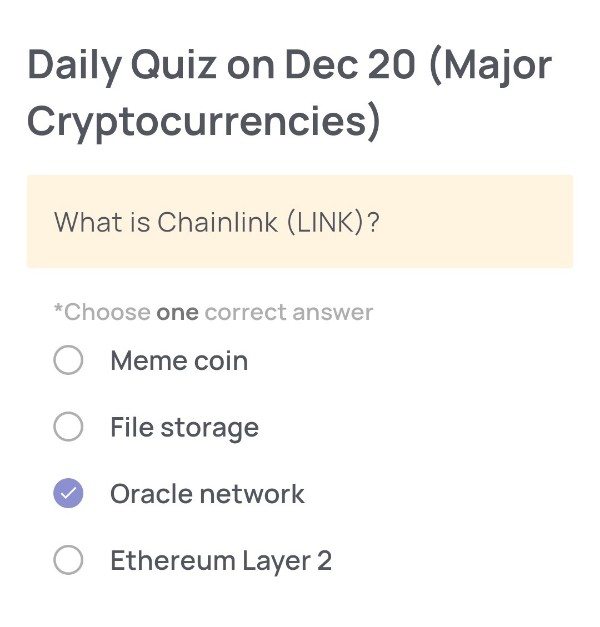
What is Chainlink (LINK)?
🟢Choose one correct answer:
・Meme coin
・File storage
・Oracle network
・Ethereum Layer 2
🟢Answer:
Oracle network
🟢Reason for choosing this answer:
Chainlink (LINK) is best known as a decentralized oracle network. Its main role is to connect smart contracts on blockchains with real-world data, such as price feeds, weather information, or API data. Blockchains cannot access external data by themselves, so Chainlink provides a secure and reliable bridge between on-chain smart contracts and off-chain information.
🟢Trivia:
Chainlink is widely used in DeFi (Decentralized Finance). Many major protocols rely on Chainlink price oracles to determine asset prices for lending, borrowing, and liquidations. Because incorrect data could cause huge losses, Chainlink’s reputation for reliability has made it one of the most important infrastructure projects in the crypto ecosystem.
Daily Quiz on December 19
(Major Cryptocurrencies)
🟢Quiz Questions:
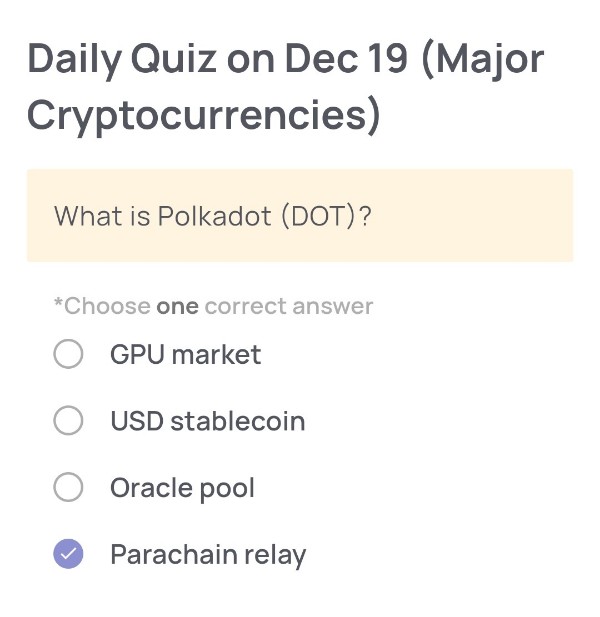
What is Polkadot (DOT)?
🟢Choose one correct answer:
・GPU market
・USD stablecoin
・Oracle pool
・Parachain relay
🟢Answer:
Parachain relay
🟢Reason for choosing this answer:
Polkadot is a blockchain network designed to connect multiple independent blockchains, known as parachains, through a central chain called the Relay Chain. Its main purpose is to enable interoperability, shared security, and scalable communication between different blockchains. Therefore, Polkadot (DOT) is best described as a Parachain relay.
🟢Trivia:
Polkadot was created by Dr. Gavin Wood, one of the co-founders of Ethereum. An interesting feature of Polkadot is that parachains can be customized for specific use cases (DeFi, NFTs, gaming, etc.) while still benefiting from the security of the Relay Chain. This architecture allows Polkadot to process many transactions in parallel, improving scalability compared to traditional single-chain blockchains.
Daily Quiz on December 18
(Major Cryptocurrencies)
🟢Quiz Questions:
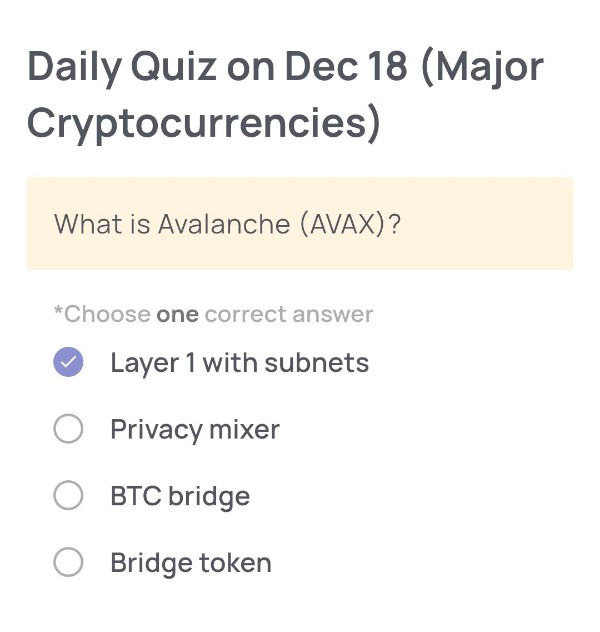
What is Avalanche (AVAX)?
🟢Choose one correct answer:
・Layer 1 with subnets
・Privacy mixer
・BTC bridge
・Bridge token
🟢Answer:
Layer 1 with subnets
🟢Reason for choosing this answer:
Avalanche (AVAX) is a Layer 1 blockchain platform that introduces a unique architecture called subnets (subnetworks). Subnets allow developers to create customized blockchains with their own rules, virtual machines, and token economics while still benefiting from Avalanche’s security and consensus mechanism. This makes Avalanche highly scalable and flexible compared to traditional single-chain Layer 1 blockchains.
🟢Trivia:
Avalanche uses a distinctive consensus mechanism known as the Avalanche Consensus, which enables extremely fast transaction finality—often within 1–2 seconds. Because of this speed and its subnet design, Avalanche is popular for DeFi, gaming, and enterprise blockchain use cases where high throughput and customization are required.
Daily Quiz on December 17
(Major Cryptocurrencies)
🟢Quiz Questions:
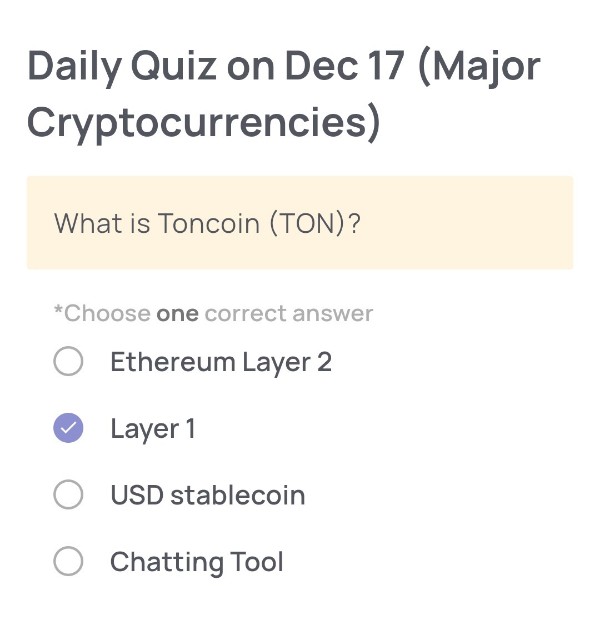
What is Toncoin (TON)?
🟢Choose one correct answer:
・Ethereum Layer 2
・Layer 1
・USD stablecoin
・Chatting Tool
🟢Answer:
Layer 1
🟢Reason for choosing this answer:
Toncoin (TON) is the native cryptocurrency of The Open Network (TON), which operates as an independent Layer 1 blockchain. It has its own consensus mechanism, validators, and network infrastructure, meaning it is not built on top of Ethereum or any other blockchain.
🟢Trivia:
Toncoin originated from a project initially developed by Telegram, aiming to create a highly scalable blockchain capable of handling millions of transactions per second. Today, TON is known for its fast transaction speeds and low fees, and it is widely used in applications integrated with Telegram, such as payments and mini-apps.
Daily Quiz on December 16
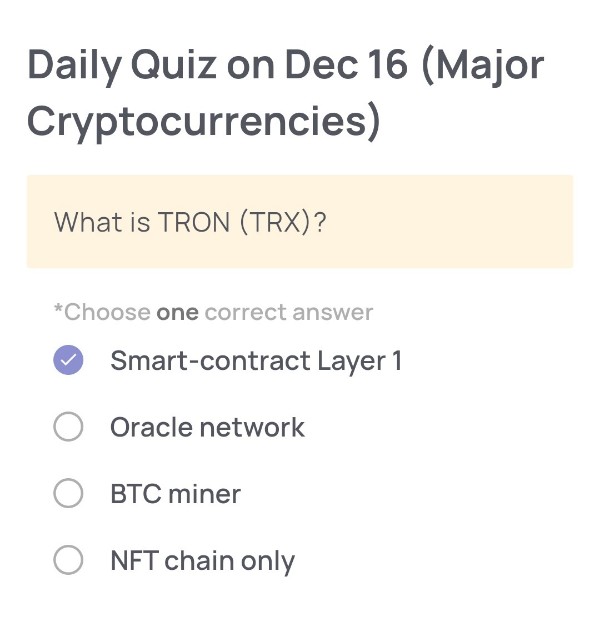
(Major Cryptocurrencies)
🟢Quiz Questions:
What is TRON (TRX)?
🟢Choose one correct answer:
・Smart-contract Layer 1
・Oracle network
・BTC miner
・NFT chain only
🟢Answer:
Smart-contract Layer 1
🟢Reason for choosing this answer:
TRON (TRX) is a Layer 1 blockchain that supports smart contracts and decentralized applications (dApps). It has its own native blockchain, consensus mechanism (Delegated Proof of Stake), and execution environment, making it a full-fledged smart-contract Layer 1 rather than an auxiliary service like an oracle or a mining tool for Bitcoin.
🟢Trivia:
TRON was originally launched as an ERC-20 token on Ethereum in 2017, but later migrated to its own independent mainnet in 2018. Today, TRON is especially well known for hosting a large portion of the global stablecoin supply, particularly USDT (Tether), due to its low transaction fees and fast processing speed.
Daily Quiz on December 15
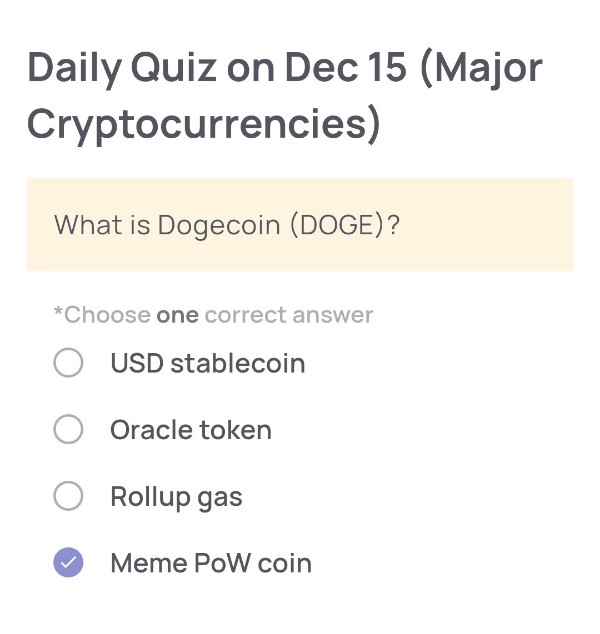
(Major Cryptocurrencies)
🟢Quiz Questions:
What is Dogecoin (DOGE)?
🟢Choose one correct answer:
・USD stablecoin
・Oracle token
・Rollup gas
・Meme PoW coin
🟢Answer:
Meme PoW coin
🟢Reason for choosing this answer:
Dogecoin (DOGE) is a cryptocurrency that was originally created as a joke (meme) based on the popular “Doge” Shiba Inu image. Despite its humorous origin, Dogecoin operates on a Proof of Work (PoW) consensus mechanism, similar to Bitcoin, where miners validate transactions and secure the network. Therefore, it is best described as a “Meme PoW coin.”
🟢Trivia:
Dogecoin was launched in 2013 by Billy Markus and Jackson Palmer as a lighthearted alternative to Bitcoin. Interestingly, it later gained massive popularity through online communities and social media, especially after being frequently mentioned by Elon Musk, which significantly influenced its market attention and price movements.
Daily Quiz on December 14
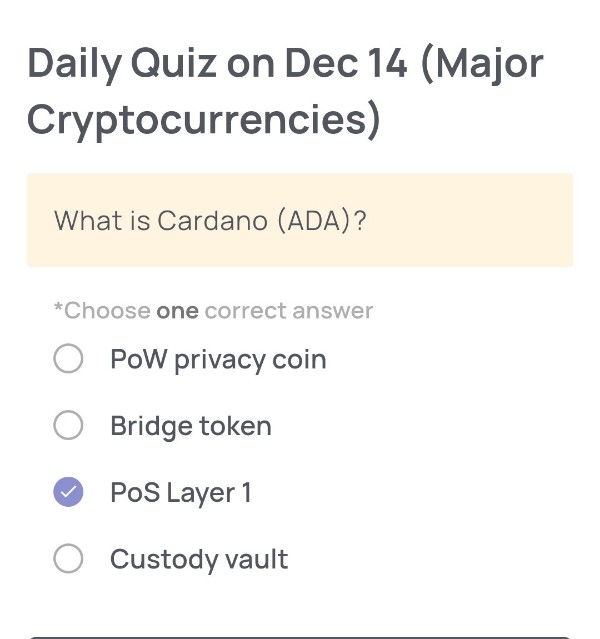
(Major Cryptocurrencies)
🟢Quiz Questions:
What is Cardano (ADA)?
🟢Choose one correct answer:
・PoW privacy coin
・Bridge token
・PoS Layer 1
・Custody vault
🟢Answer:
PoS Layer 1
🟢Reason for choosing this answer:
Cardano (ADA) is a Layer 1 blockchain that operates using a Proof of Stake (PoS) consensus mechanism called Ouroboros.
It is designed as a base-layer blockchain that supports smart contracts, decentralized applications (dApps), and native tokens, rather than functioning as a bridge token, privacy coin, or custody service.
🟢Trivia:
Cardano is known for its research-driven approach. Its core technologies, including the Ouroboros PoS protocol, are developed based on peer-reviewed academic research. This makes Cardano one of the first blockchains to emphasize formal methods and mathematical proofs to enhance security and scalability.
Daily Quiz on December 13
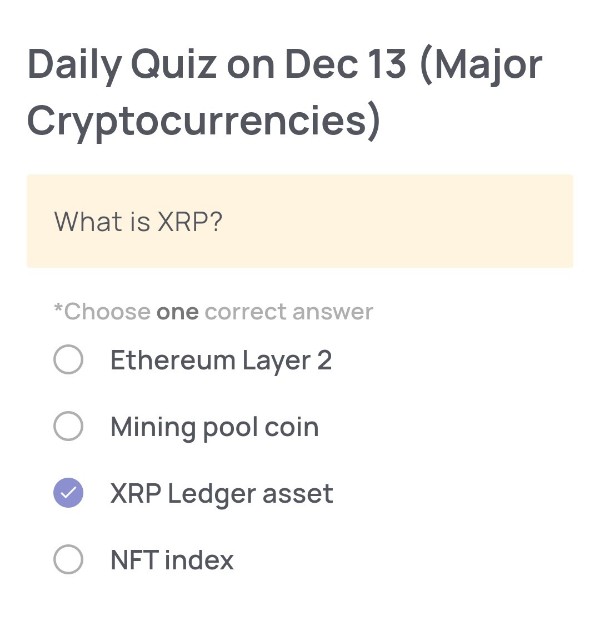
(Major Cryptocurrencies)
🟢Quiz Questions:
What is XRP?
🟢Choose one correct answer:
・Ethereum Layer 2
・Mining pool coin
・XRP Ledger asset
・NFT index
🟢Answer:
XRP Ledger asset
🟢Reason for choosing this answer:
XRP is the native digital asset of the XRP Ledger, a decentralized blockchain designed for fast and low-cost cross-border payments. It is not built on Ethereum, is not related to mining pools, and is not an index for NFTs. XRP is used directly within the XRP Ledger ecosystem to facilitate transactions and liquidity.
🟢Trivia:
Unlike Bitcoin, XRP does not rely on mining. All XRP tokens were pre-mined at the creation of the XRP Ledger, with a fixed total supply of 100 billion XRP. This design allows transactions on the XRP Ledger to settle in just a few seconds with very low transaction fees, making it popular for payment and remittance use cases.
Daily Quiz on December 12
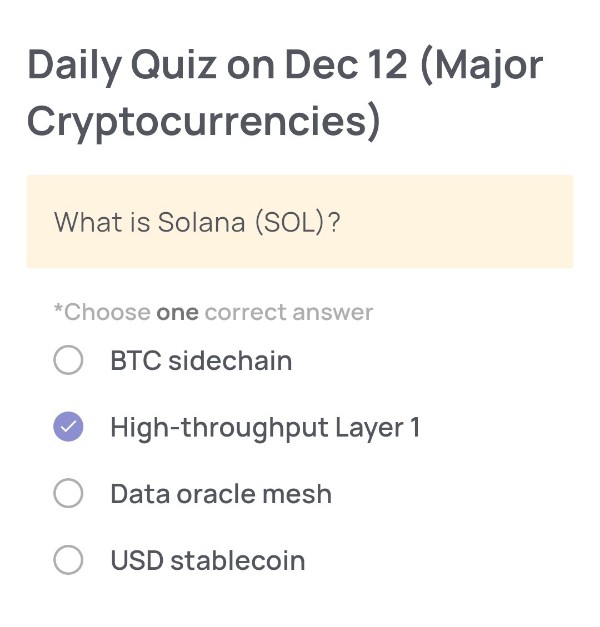
(Major Cryptocurrencies)
🟢Quiz Questions:
What is Solana (SOL)?
🟢Choose one correct answer:
・BTC sidechain
・High-throughput Layer 1
・Data oracle mesh
・USD stablecoin
🟢Answer:
High-throughput Layer 1
🟢Reason for choosing this answer:
Solana (SOL) is widely known as a high-performance Layer 1 blockchain designed for extremely fast transactions and low fees.
Its architecture includes innovations like Proof of History (PoH) combined with Proof of Stake (PoS), enabling high throughput compared to many other chains.
It is not a Bitcoin sidechain, not a data oracle network, and not a stablecoin.
🟢Trivia:
Solana can process over 50,000 transactions per second (TPS) under ideal conditions, making it one of the fastest Layer 1 blockchains in the world.
Additionally, many popular Web3 applications—such as decentralized exchanges, NFT marketplaces, and DePIN projects—are built on Solana because of its scalability and developer-friendly ecosystem.
Daily Quiz on December 11
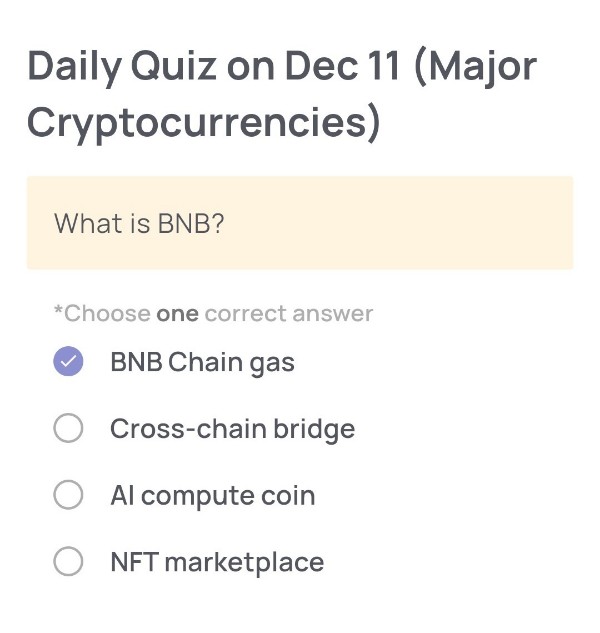
(Major Cryptocurrencies)
🟢Quiz Questions:
What is BNB?
🟢Choose one correct answer:
・BNB Chain gas
・Cross-chain bridge
・Al compute coin
・NFT marketplace
🟢Answer:
BNB Chain gas
🟢Reason for choosing this answer:
BNB is the native token of BNB Chain, and its primary function is to be used as gas fees for transactions, smart contract execution, and network operations on the BNB Smart Chain (BSC).
It is not a cross-chain bridge, not an AI computation coin, and not an NFT marketplace.
🟢Trivia:
BNB was originally launched as “Binance Coin” in 2017 on Ethereum (as an ERC-20 token). Later, it migrated to Binance’s own blockchain and became the gas token of BNB Chain.
BNB is also used for:
・Staking
・Paying trading fees on Binance at a discounted rate
・Participating in Binance Launchpad token sales
・Providing liquidity and farming in DeFi
Its utility has expanded significantly, making it one of the largest cryptocurrencies by market capitalization.
Daily Quiz on December 10
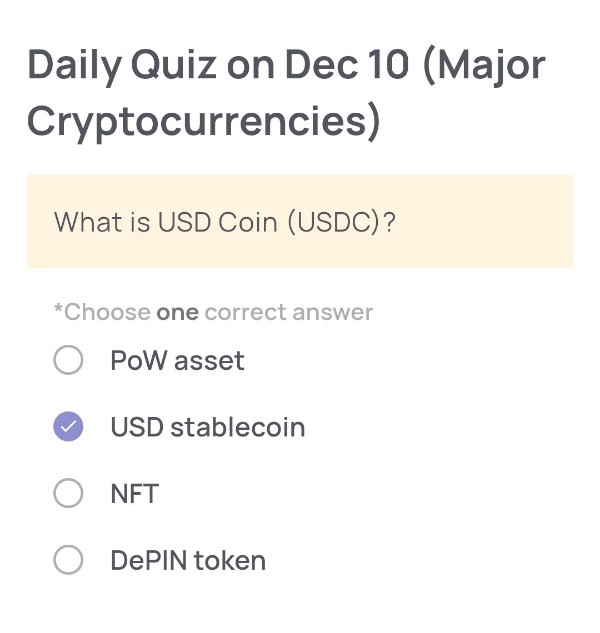
(Major Cryptocurrencies)
🟢Quiz Questions:
What is USD Coin (USDC)?
🟢Choose one correct answer:
・PoW asset
・USD stablecoin
・NFT
・DePIN token
🟢Answer:
USD stablecoin
🟢Reason for choosing this answer:
USD Coin (USDC) is a regulated U.S. dollar–backed stablecoin issued by Circle.
Each USDC is designed to maintain a 1:1 value with the U.S. dollar, supported by cash and short-term U.S. Treasuries held in reserve.
It is not a PoW asset, NFT, or DePIN token, so the correct answer is the USD stablecoin option.
🟢Trivia:
USDC is widely used across centralized exchanges and DeFi because of its high transparency—Circle publishes monthly reserve attestations.
It is also available across multiple blockchains including Ethereum, Solana, Polygon, Avalanche, and more, making it one of the most interoperable stablecoins in the industry.
Daily Quiz on December 9
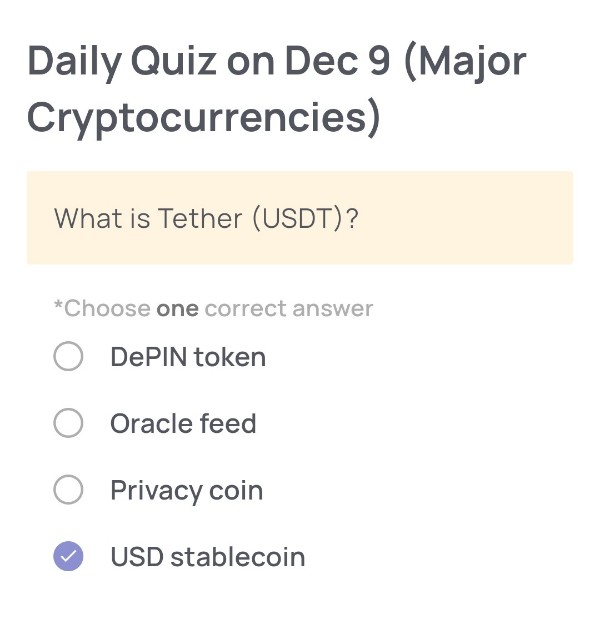
(Major Cryptocurrencies)
🟢Quiz Question:
What is Tether (USDT)?
🟢Choose one correct answer:
・DePIN token
・Oracle feed
・Privacy coin
・USD stablecoin
🟢Answer:
USD stablecoin
🟢Reason for choosing this answer:
Tether (USDT) is designed to maintain a 1:1 value with the U.S. dollar, making it a stablecoin pegged to USD. It is widely used across crypto exchanges for trading, transferring value, and providing stability during volatile market conditions. Unlike DePIN tokens, oracle feeds, or privacy coins, USDT’s core purpose is to mirror the value of the U.S. dollar.
🟢Trivia:
Tether (USDT) is the most widely used stablecoin in the world by trading volume — often surpassing even Bitcoin in daily transaction volume. Its popularity comes from its ability to provide instant settlement, global transferability, and a stable value, making it a common “digital dollar” used across centralized exchanges (CEXs), decentralized exchanges (DEXs), and DeFi platforms.
Daily Quiz on December 8
(Major Cryptocurrencies)
🟢Quiz Questions:
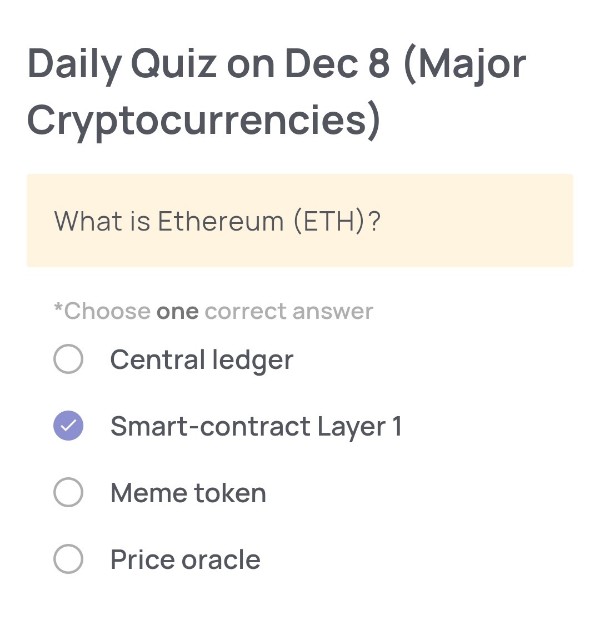
What is Ethereum (ETH)?
🟢Choose one correct answer:
・Central ledger
・Smart-contract Layer 1
・Meme token
・Price oracle
🟢Answer:
Smart-contract Layer 1
🟢Reason for choosing this answer:
Ethereum (ETH) is widely known as the first blockchain to introduce programmable smart contracts, enabling developers to build decentralized applications (dApps).
It operates as a Layer 1 blockchain, meaning it provides the base network on which other applications and Layer 2 solutions are built.
The other options do not match Ethereum’s function:
・It is not a central ledger (Ethereum is decentralized).
・It is not a meme token (ETH has utility and powers the network).
・It is not a price oracle (that role is provided by external services like Chainlink).
🟢Trivia:
Ethereum was proposed in 2013 by Vitalik Buterin and launched in 2015.
It transitioned from Proof of Work to Proof of Stake in 2022 through “The Merge,” reducing its energy consumption by more than 99%.
Additionally, Ethereum is the foundation for many major Web3 innovations such as DeFi, NFTs, and DAO governance, making it the most widely used smart-contract platform today.
Daily Quiz on December 7
(Major Cryptocurrencies)
🟢Quiz Question:
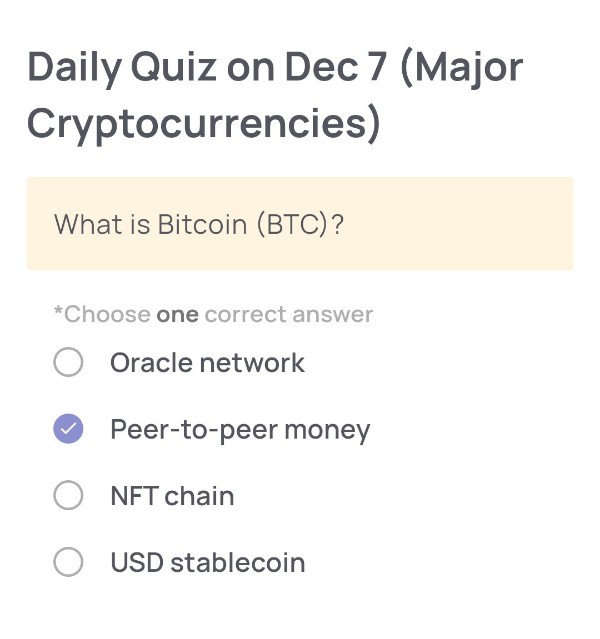
What is Bitcoin (BTC)?
🟢Choose one correct answer:
・Oracle network
・Peer-to-peer money
・NFT chain
・USD stablecoin
🟢Answer:
Peer-to-peer money
🟢Reason for choosing this answer:
Bitcoin was originally designed by Satoshi Nakamoto as “a peer-to-peer electronic cash system.”
It allows users to send and receive value directly without relying on intermediaries such as banks.
Its decentralized nature enables secure, censorship-resistant transactions across the globe.
🟢Trivia:
Bitcoin’s blockchain was the first successful implementation of decentralized ledger technology.
The first Bitcoin transaction was famously conducted when 10,000 BTC were used to buy two pizzas in 2010 — an event now celebrated as Bitcoin Pizza Day.
Daily Quiz on December 6
(How to use hardware wallet)
🟢 Quiz Questions:
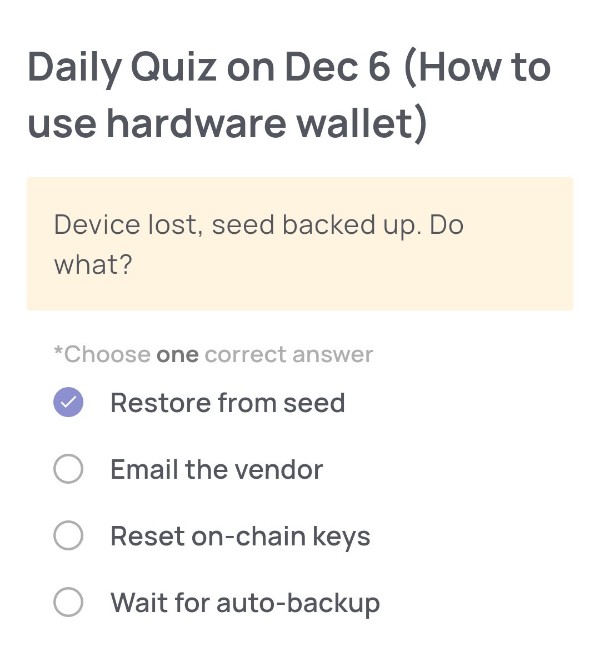
Device lost, seed backed up. Do what?
🟢Choose one correct answer:
・Restore from seed
・Email the vendor
・Reset on-chain keys
・Wait for auto-backup
🟢Answer:
Restore from seed
🟢Reason for choosing this answer:
A hardware wallet does not store your crypto — it stores your private keys.
If you lose the physical device but you have your seed phrase backed up, you can simply restore the wallet on a new device using that seed phrase.
The seed phrase mathematically regenerates the same private keys, addresses, and balances.
The other options are incorrect because:
・Email the vendor: Vendors cannot access or recover your private keys.
・Reset on-chain keys: Not possible — private keys cannot be reset on-chain.
・Wait for auto-backup: Hardware wallets do not auto-backup to the cloud for security reasons.
Thus, the correct action is Restoring from seed.
🟢Trivia:
Most hardware wallets follow the BIP39 standard, which allows a 12–24-word seed phrase to recreate an entire wallet’s private key hierarchy.
Because of this standardization, you can even restore your wallet on a different brand of hardware wallet as long as both support BIP39.
This is why storing the seed phrase safely is more important than the device itself—your funds live on the blockchain, not in the hardware wallet.
Daily Quiz on December 5
(How to use hardware wallet)
🟢Quiz Questions:
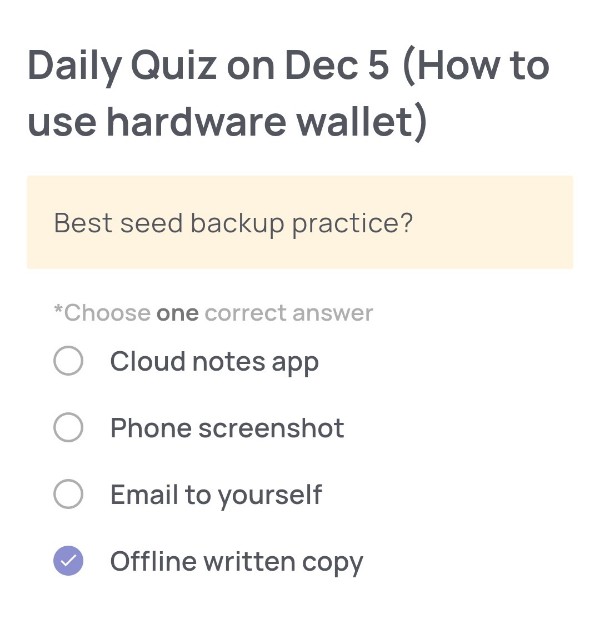
Best seed backup practice?
🟢Choose one correct answer:
・Cloud notes app
・Phone screenshot
・Email to yourself
・Offline written copy
🟢Answer:
Offline written copy
🟢Reason for choosing this answer:
Storing your seed phrase offline is the safest method because it prevents exposure to online threats such as hacking, phishing, malware, or unauthorized cloud access.
Cloud apps, screenshots, and email accounts are connected to the internet, making them vulnerable to remote attacks.
A handwritten offline copy avoids these risks and ensures your recovery seed remains under your physical control.
🟢Trivia:
Many hardware wallet best-practice guidelines recommend having multiple handwritten copies stored in different secure physical locations (e.g., safe, bank box).
Some advanced users even engrave the seed phrase on metal plates to protect against fire or water damage.
Online storage compromises one of the core principles of crypto security: “Not your keys, not your coins.”
Daily Quiz on December 4
(How to use hardware wallet)
🟢 Quiz Questions:
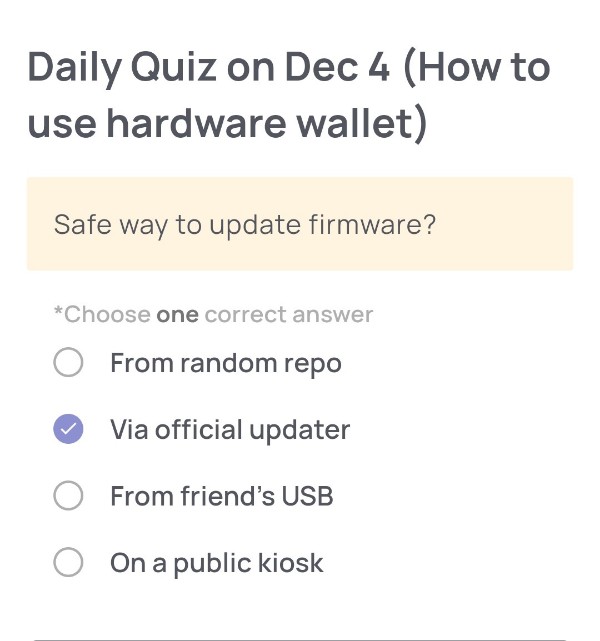
Safe way to update firmware?
🟢Choose one correct answer:
・From random repo
・Via official updater
・From friend’s USB
・On a public kiosk
🟢Answer:
Via official updater
🟢Reason for choosing this answer:
Updating a hardware wallet’s firmware should always be done through the official updater provided by the manufacturer.
This ensures that:
・The firmware is authentic and not tampered with
・You avoid malicious files that could steal your private keys
・The download uses verified and secured channels
・You eliminate the risk of supply-chain attacks through third-party sources
The other options (“random repo”, “friend’s USB”, “public kiosk”) expose you to malware, keyloggers, or modified firmware—major security risks in Web3.
🟢Trivia:
Many hardware wallet hacks in the past didn’t target the device directly—they targeted users who downloaded fake firmware or fake wallet apps.
To stay safe:
・Always verify URLs before downloading
・Keep your recovery phrase offline
・Never trust firmware updates promoted through DMs or unknown websites
This is why reputable companies strongly advise using only official firmware channels.
Daily Quiz on December 3
(How to use hardware wallet)
🟢Quiz Questions:
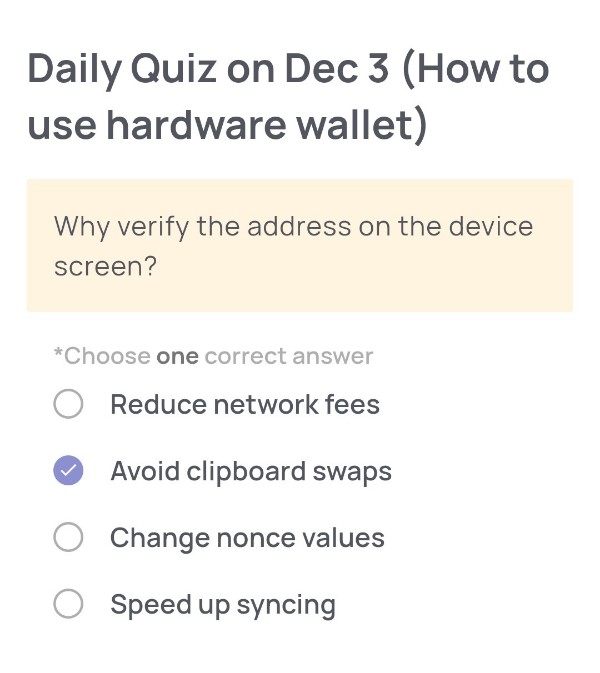
Why verify the address on the device screen?
🟢Choose one correct answer:
・Reduce network fees
・Avoid clipboard swaps
・Change nonce values
・Speed up syncing
🟢Answer:
Avoid clipboard swaps
🟢Reason for choosing this answer:
Verifying the address directly on the hardware wallet’s screen ensures that the destination address has not been altered by malware. Clipboard-hijacking malware can replace a copied address with an attacker’s address the moment you paste it.
By confirming the address displayed on the secure hardware device itself, you can verify that the transaction truly goes to the intended recipient.
🟢Trivia:
Clipboard hijacker malware has existed for years and specifically targets crypto users. It silently replaces wallet addresses because they are long and difficult to memorize, making it easy for attackers to redirect funds.
Hardware wallets prevent this risk by showing the real signing details on a tamper-resistant screen—one of the key reasons they remain the safest way to store and send cryptocurrencies.
Daily Quiz on December 2
(How to use hardware wallet)
🟢Quiz Questions:
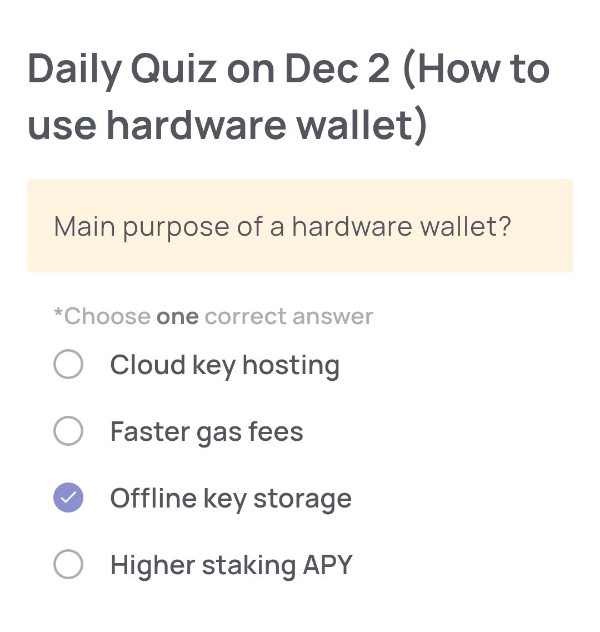
Main purpose of a hardware wallet?
🟢Choose one correct answer:
・Cloud key hosting
・Faster gas fees
・Offline key storage
・Higher staking APY
🟢Answer:
Offline key storage
🟢Reason for choosing this answer:
The main purpose of a hardware wallet is to securely store your private keys offline. Unlike software wallets that may store keys on a device connected to the internet, hardware wallets keep them isolated from networked systems, which makes it extremely difficult for hackers to access them. This offline storage significantly reduces the risk of malware or phishing attacks compromising the wallet.
🟢Trivia:
Hardware wallets like Ledger and Trezor are often used by long-term investors and security-conscious users. They support multiple cryptocurrencies and allow transactions to be signed within the device without ever exposing the private key to the internet. Even if the computer connected to the hardware wallet is compromised, the keys inside the device remain safe, making hardware wallets a trusted solution in crypto security.
Daily Quiz on December 1
(How to use wallet)
🟢 Quiz Questions:
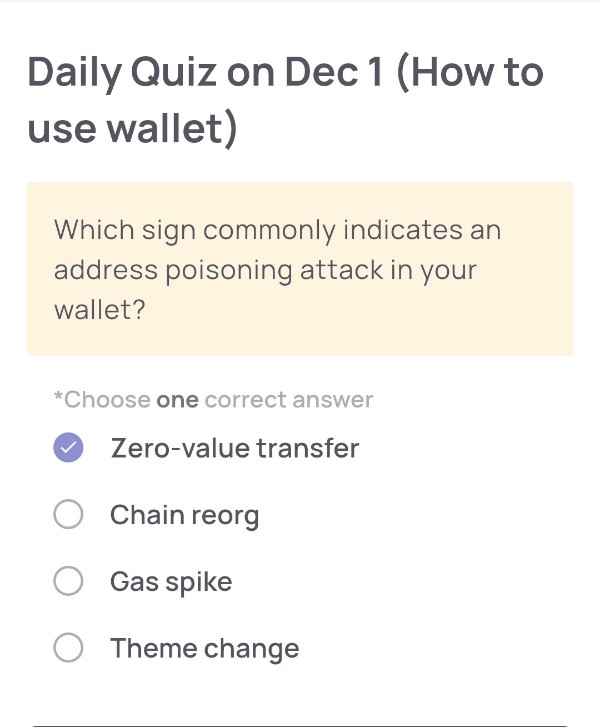
Which sign commonly indicates an address poisoning attack in your wallet?
🟢Choose one correct answer:
・Zero-value transfer
・Chain reorg
・Gas spike
・Theme change
🟢Answer:
Zero-value transfer
🟢Reason for choosing this answer:
An address poisoning attack happens when an attacker sends a zero-value transaction to your wallet using an address that looks very similar to your real frequently used address.
The goal is to “poison” your transaction history so that you might later copy the wrong address when making a transfer — causing funds to be sent to the attacker.
Since this technique relies on altering the appearance of your transaction list, zero-value transfers are the primary red flag.
🟢Trivia:
Attackers often create wallet addresses that mimic the first and last few characters of your real recipient address, hoping you only check those parts when copying/pasting.
To avoid this, always verify the full address, and consider using address book features, trusted contacts, or QR codes when available.

Comment